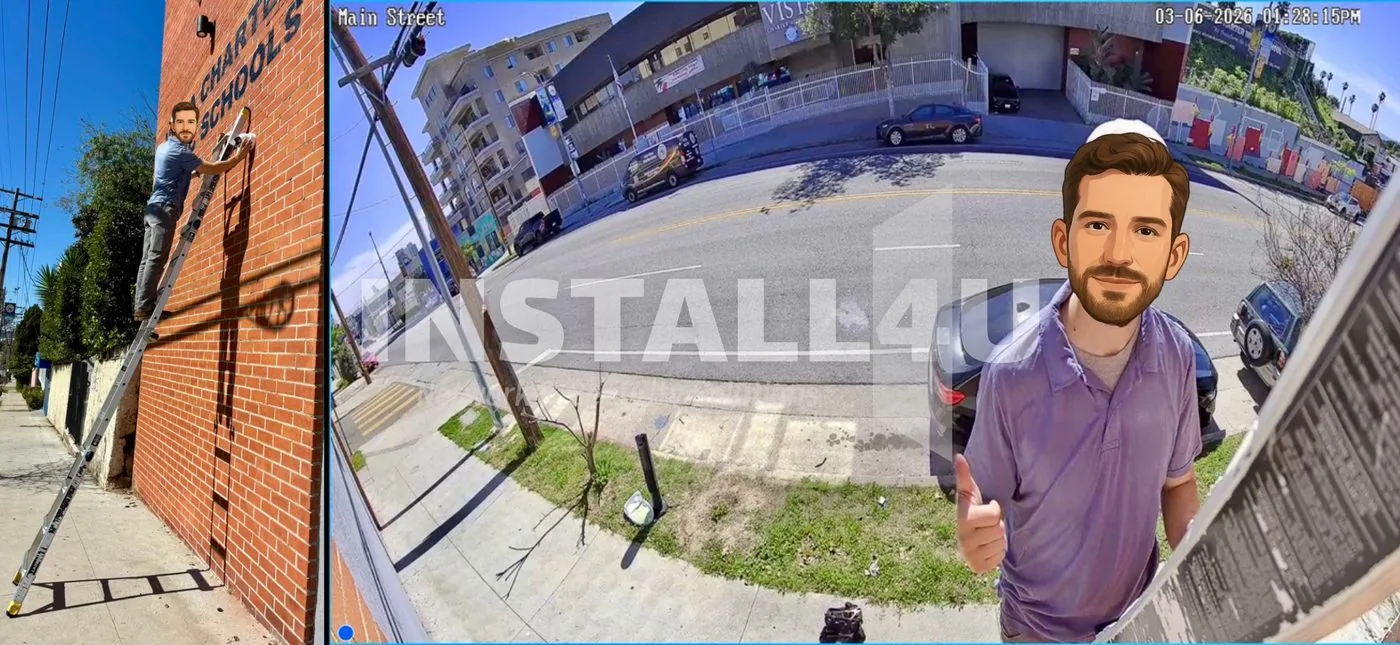
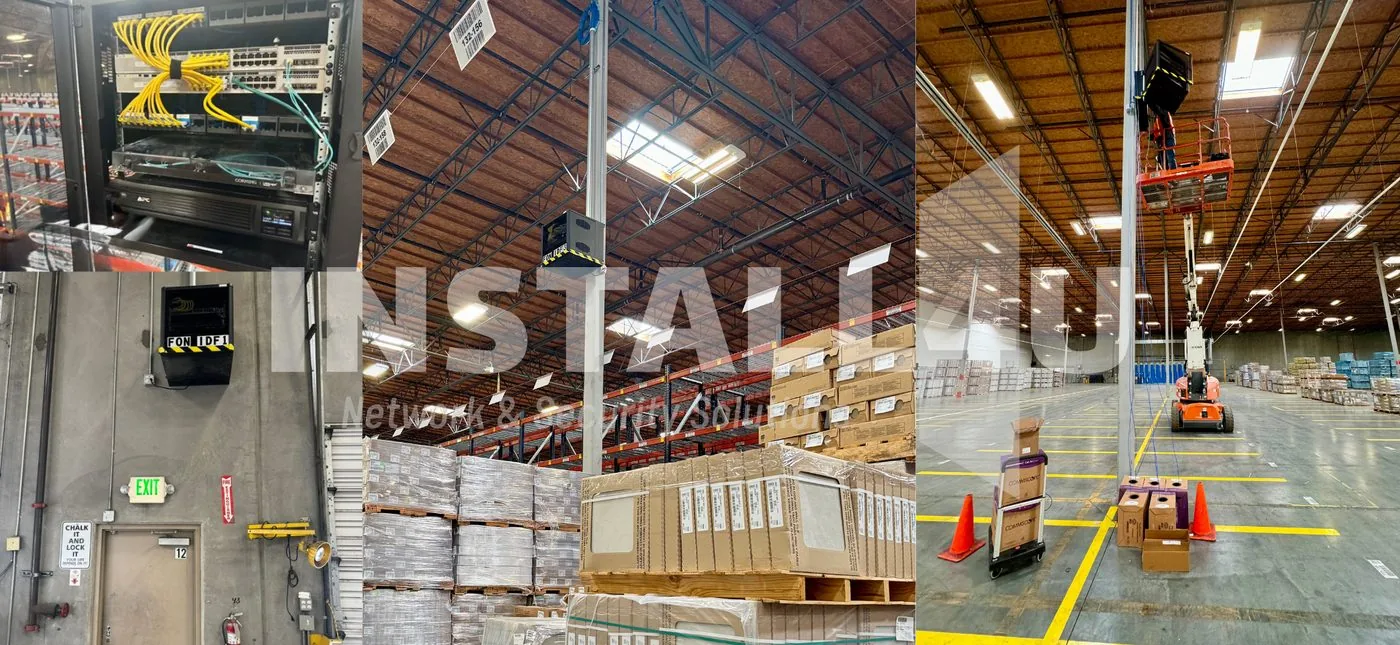
UniFi installation and setup
by people who live in it.
Network, cameras, door access and phones on one console instead of four vendors. Ubiquiti UniFi is the platform we reach for most — here’s what it does well, what it costs, and where we’d steer you somewhere else.
Get a free walkthrough Call (661) 244-6963- Licensed, Bonded & Insured · CA #1143669
- Backed by 35+ years of experience
- Free on-site estimate
- One local crew, start to finish
Five systems, one console.
Most buildings end up with the network from one company, the cameras from another, the door readers from a third and the phones from a fourth — four portals, four invoices, four people to call when something breaks, and no two of them talking to each other.
UniFi is Ubiquiti’s answer to that. Network, Protect, Access, Talk and Connect are separate applications that run on the same console, under one login. A door unlock and the camera watching that door are already linked. Adding cameras next year means adding cameras — not another system. That single idea is why we specify it more than anything else we install.
What actually runs on the console.
Why we specify it — and when we don’t.
The honest case for UniFi, including the parts a brochure leaves out.
Already in the UniFi ecosystem?
Plenty of people find us because they bought UniFi gear, got it partly working, and then hit the wall — VLANs that won’t behave, access points in the wrong places, a console somebody else set up and never documented. That’s a normal call for us, and we’re happy to take over a system we didn’t install.
We’ll walk the site, tell you what’s worth keeping, and fix the parts that are fighting you — rather than quoting you a rip-and-replace for hardware you already own.
Inherited a system that’s misbehaving? See how our service calls work → · Every install we hand over is hardened first →
UniFi — your questions.
Yes — UniFi is what we reach for most. We design, install and configure UniFi Network, Protect cameras, and Access door entry for businesses and homes across Southern California, and we maintain them afterward through Watch4U.
We’re enrolled in Ubiquiti’s UniFi Enterprise Channel Partner Program, which means we buy through their authorized distribution instead of a marketplace. We’re careful with the wording: that’s a channel relationship, not a Ubiquiti certification, and we’re not a distributor. If you need gear supplied as part of an install, we can do that — and the hardware line in your quote is genuine, traceable Ubiquiti product.
Yes, and it’s common. We’ll walk the site, look at how the console and network were actually set up, and tell you what’s solid and what needs correcting. You keep the hardware you already paid for wherever it’s worth keeping.
Mostly no, but be careful with “no subscription” as a blanket claim. UniFi Protect records to your own console with no per-camera recording fee. UniFi Talk is phone service and carries a per-line subscription. Some advanced AI camera detections require a license. We’ll itemize whatever applies to your build in the quote.
Yes — that’s one of the better reasons to pick UniFi. We’ll size the console and the cabling for where you’re heading, so adding Protect cameras or Access doors later is a straightforward addition instead of a rebuild.
For a great many of them, yes — offices, warehouses, shops, houses of worship, multi-tenant buildings. Where it struggles is sites that need staffed monitoring or a vendor-backed support contract. We’ll tell you which one you are during the walkthrough rather than after the invoice.
Yes. The same gear scales down well, and a lot of our residential work is UniFi Wi-Fi with a few Protect cameras. Commercial is the bulk of what we do, but we’re glad to take on a house.
UniFi installs across Southern California.
One site or a multi-site rollout — we design, install and maintain UniFi systems across the region, including:
Thinking about UniFi for your site?
New build, a Wi-Fi problem you’re tired of, or a half-finished system somebody left you — tell us about it. We’ll map out what UniFi would look like here and what it would cost, itemized. The walkthrough is free.