Warehouse security cameras & WiFi,
built for the day a claim lands.
When a trailer driver, a customer or an injured worker tells a different story, you need footage that shows what actually happened. Install4U puts cameras on your dock doors, aisles and yard, and runs the clean, labeled cabling and WiFi behind them. Licensed C-7 contractor in Santa Clarita — free on-site estimate for new installs.
Get a free walkthrough Call (661) 244-6963- Licensed, Bonded & Insured · CA #1143669
- Backed by 35+ years of experience
- Free on-site estimate
- One local crew, start to finish
The dispute starts the moment someone says it didn’t happen that way
A driver swears the freight left your dock intact. A customer says the pallet arrived short. A worker says a forklift clipped them in the back aisle. Every one of those turns into the same question: what actually happened? Without a recording, the answer belongs to whoever tells the story best. With cameras on the dock door, the staging lane and the aisle, you have a time-stamped record to hand your insurer or your attorney — see how footage holds up as evidence in California.
Nationwide, about 1 in 7 “nuclear” verdicts — jury awards of $10 million or more — come from premises-liability claims, and California hosts more of those verdicts than any other state (U.S. Chamber Institute for Legal Reform, 2024). Workers’-comp fraud has been estimated at $1–3 billion a year in California (California Department of Insurance, Fraud Division). But footage only helps if it shows the moment. A camera mounted at door height in a high-bay aisle sees the first pallet and little else. One aimed at the wrong spot, knocked out of line or no longer recording gives you nothing on the day it matters. That is what we build against.
A camera and network system planned around your floor
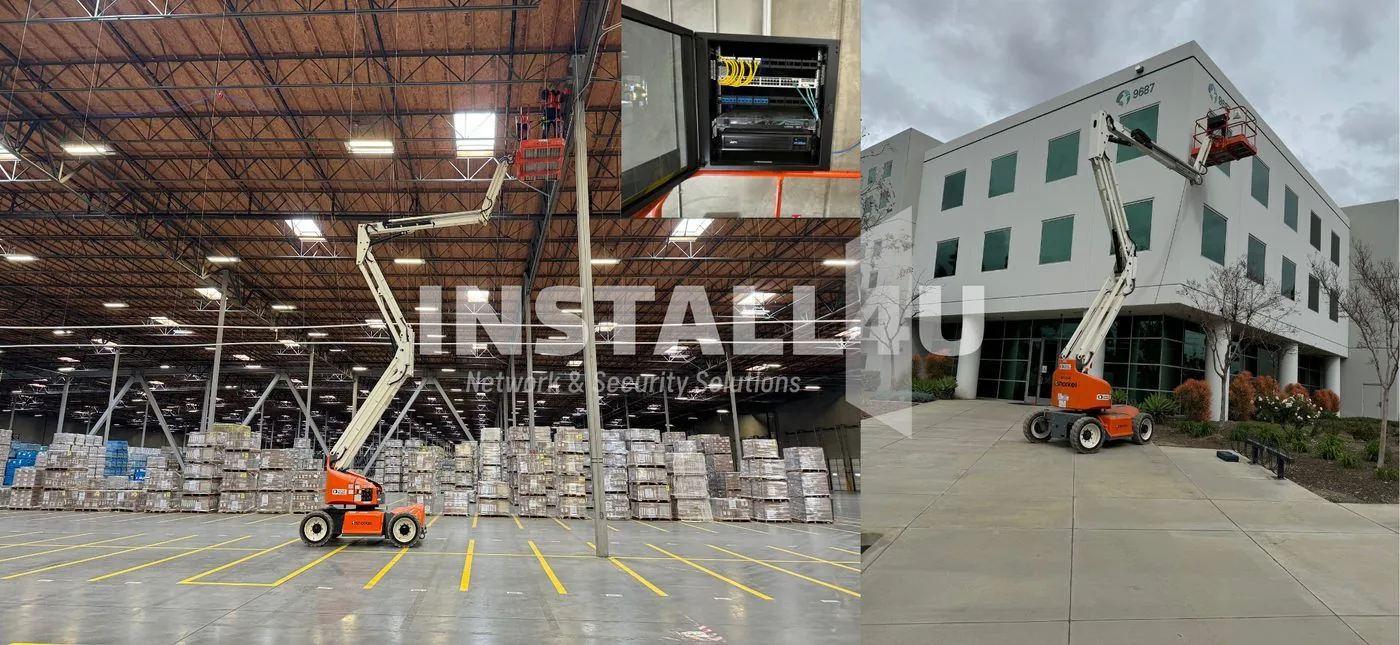
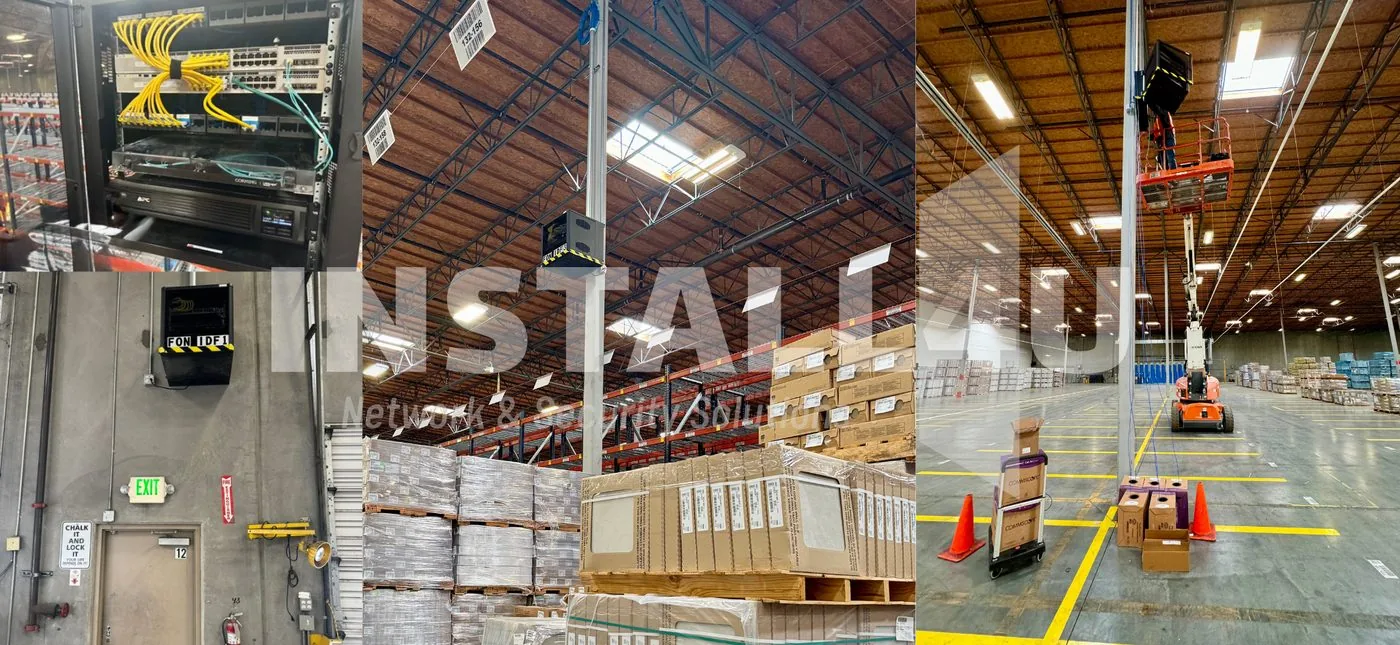
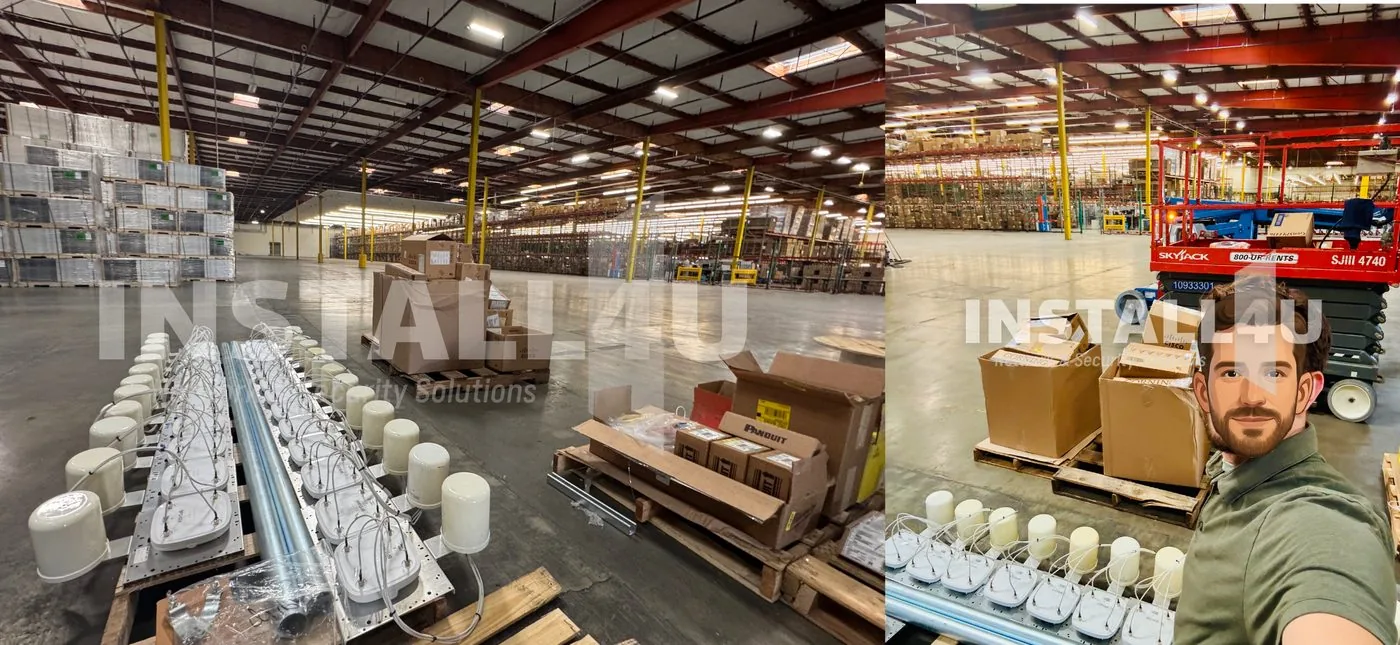
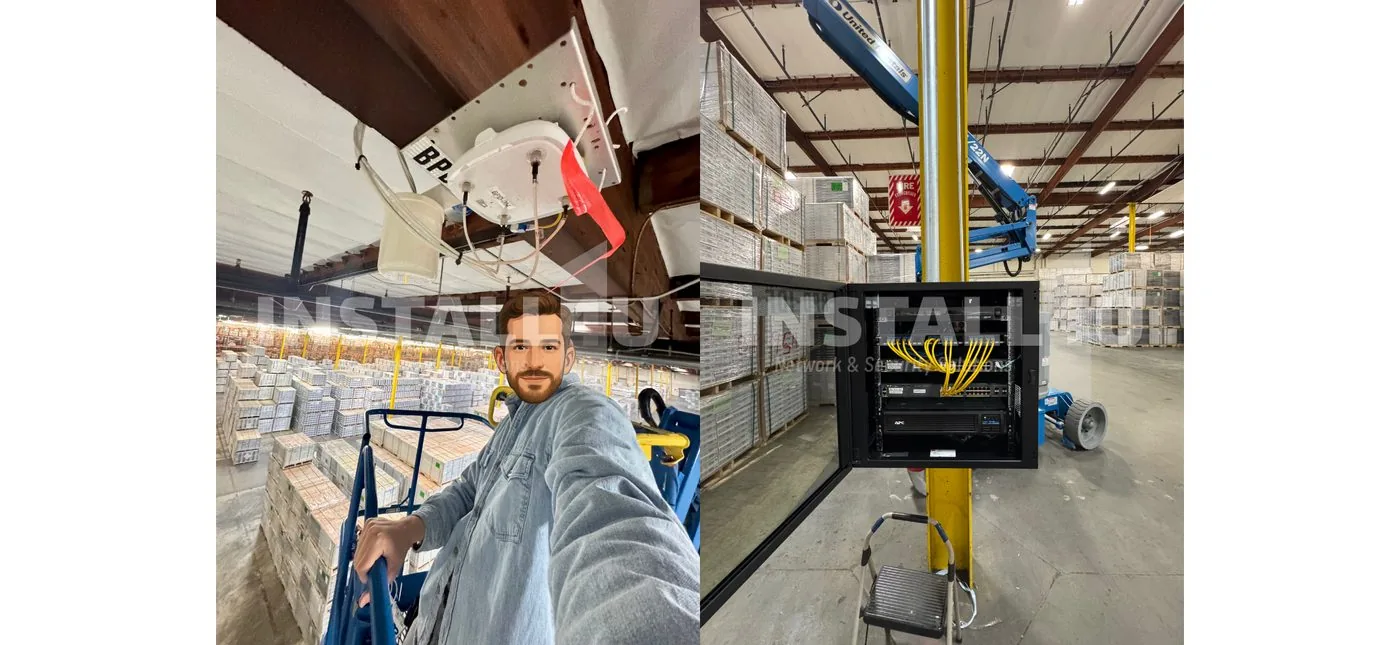
Warehouse work we’ve done.
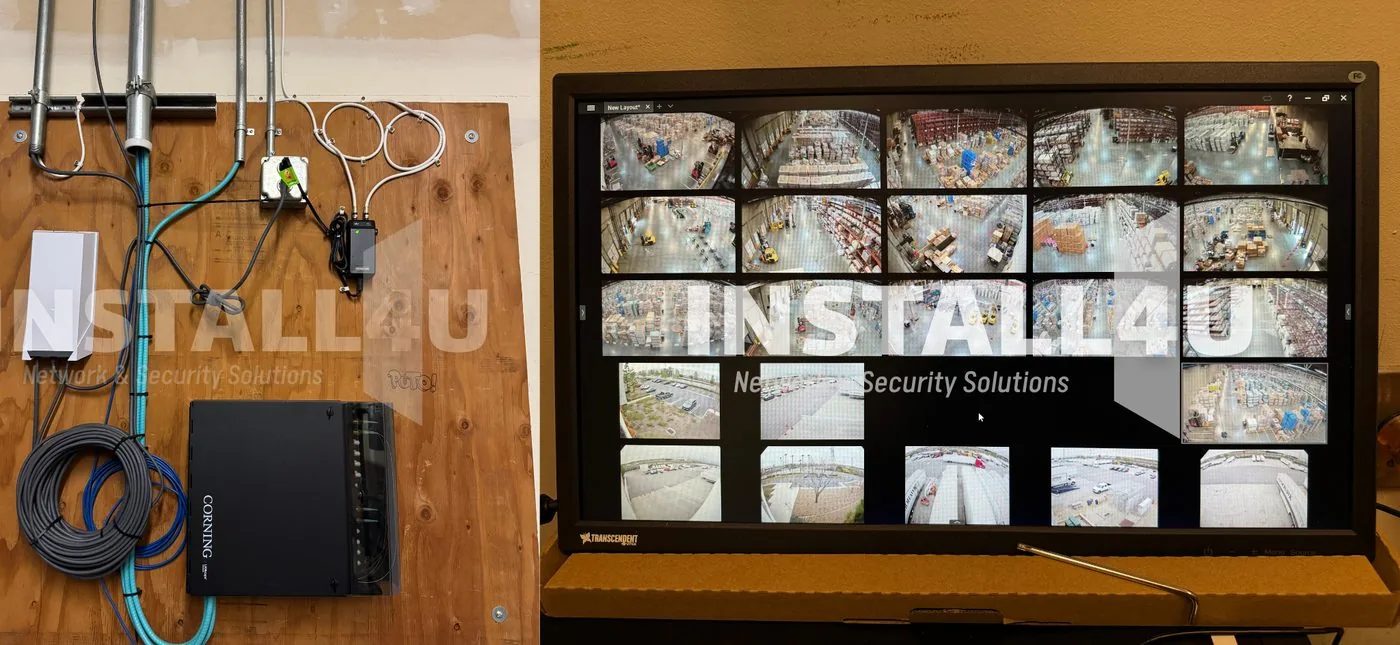
Real Install4U warehouse and distribution installs — tap any photo to flip through.
Four layers, one contractor accountable for all of them
From the dock door to the top rack
Disputes happen wherever freight, vehicles and people meet. We plan coverage around those spots, then run the network that ties them together — in warehouse, distribution and light-industrial buildings across the Santa Clarita Valley and throughout Southern California.
A system built to keep recording, and a crew that stays reachable after the install.
From walkthrough to a documented handoff
Free on-site estimate
We walk your docks, aisles, yard and network cabinet with you, find the spots where a dispute would leave you without footage, and see where your scanners lose signal. New installs are free to estimate.
A plan you can read
You get one written plan and an itemized quote: where each camera goes, where the cabling runs, where WiFi access points sit, and what recording setup gives you the retention you need.
Install around your shifts
We schedule the work around your shifts and dock activity, work one section at a time, and cone off only the section we’re in so the rest of the floor can keep moving freight.
Secured, documented handoff
We change default credentials, put cameras on their own VLAN, keep the recorder off the open internet, update firmware, and hand you labeled cabling and documented logins.
Warehouses — your questions.
Often, yes — if the camera was aimed at the right spot, the image is clear, and the recording was kept. Footage from the dock, an aisle or the yard can show when and how something happened; whether it is used is up to your insurer, your attorney or the court. We set up recording for the retention you need and show you how to export a clip. Our article on security camera footage as evidence in California covers the details. It is general information, not legal advice.
In most cases, yes. We schedule around your shifts and dock activity, work from lifts one section at a time, and cone off the area we’re in so forklifts and pickers can route around us. We agree on the order of work at the on-site estimate, so everyone knows the plan before install day.
There is no single number. It depends on your dock doors, aisles, entrances and yard, and on what each camera needs to show — a face, a plate, or just movement. We work out the count with you during the free on-site estimate. Our guide to how many security cameras a business needs walks through the same method.
Usually it’s the racking. Tall steel racks block and reflect signal, so an access point that would cover an open office leaves gaps between the rows, and handhelds drop out mid-aisle. We place Ubiquiti UniFi access points along the aisles and out to the dock doors, not just on the office ceiling. Our article on why business WiFi has dead zones explains the causes.
No. Install4U does not offer monitoring or dispatch. Watch4U is a maintenance plan: scheduled remote inspections and an emailed monthly health report on every plan, on-site visits on plans 03 and up, and camera cleaning on plans 04–05. Issues are caught at the scheduled inspection. Plans cover up to 16 channels, and many warehouses run more — bigger setup? Ask about custom pricing.
Warehouse installs across Southern California.
Based in Santa Clarita, working in warehouses and distribution buildings across the region, including:

Get the footage in place before the next claim lands
Book a free on-site estimate for a new install. We’ll walk your docks, aisles, yard and network cabinet with you and give you one plan and quote for the cameras, cabling and WiFi. Call (661) 244-6963, Monday–Friday, 9–5 Pacific, or send us a message and we’ll reply within one business day.